Moving Child Layer to also Move Parent
(ORG-8809)
Origin9.1 support when a child layer is drag&moved or resized, the parent layer would also be changed correspondingly.
How to:
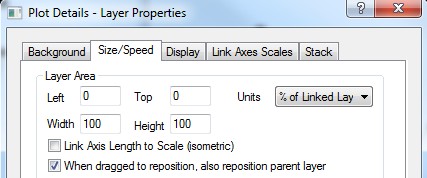
From Plot Details Dialog:
Go to Plot Details: Layer Properties: Size/Speed tab, under Layer Area group.From Layer Management Dialog:
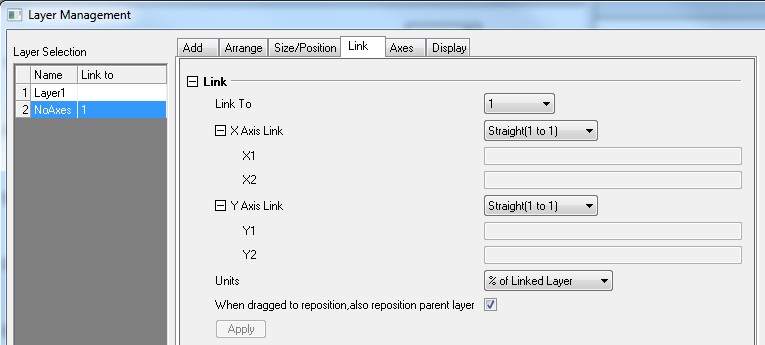
Go to Layer Management: Link tab.
Note:
To show the When dragged to reposition, also reposition parent layer checkbox, you need to link the layer to other layer and choose % of Linked Layer for Units.
The When dragged to reposition, also reposition parent layer will be checked by default when a new layer is added.